- The key is to honestly warn customers and collect their contact details, not to go silent.
- Prepare texts in advance: a banner on the site, a chat auto-message, a delivery delay template.
- Your team must know who replies from a phone and have charged power banks and mobile internet.
- Orders must not live on a single office computer.
Air raid alerts and power outages have become part of the working schedule. Buyers understand this: most of them live in the same conditions. What they do not understand is silence. A message unanswered for an hour, an order with no confirmation, a parcel delayed without anyone saying a word.
This checklist is about preparing once and then working calmly. People’s safety always comes first: no order is worth a manager staying at the computer during an air raid alert.
1. Warn customers on your site
A person who sees an explanation waits more calmly. A person who sees nothing goes to a competitor.
- A banner or strip at the top of the site. Short and without drama: “Because of a power outage, our replies are delayed. We accept orders as usual and will confirm them as soon as we are back online.”
- Delivery page. Add a paragraph about possible shipping delays on outage days.
- Prepared texts. Keep 2–3 banner versions in your notes so you can switch one on in a minute instead of making it up in the dark.
2. Set up chat auto-messages
The chat is the first place where a customer notices you are away. So that is where an explanation matters most.
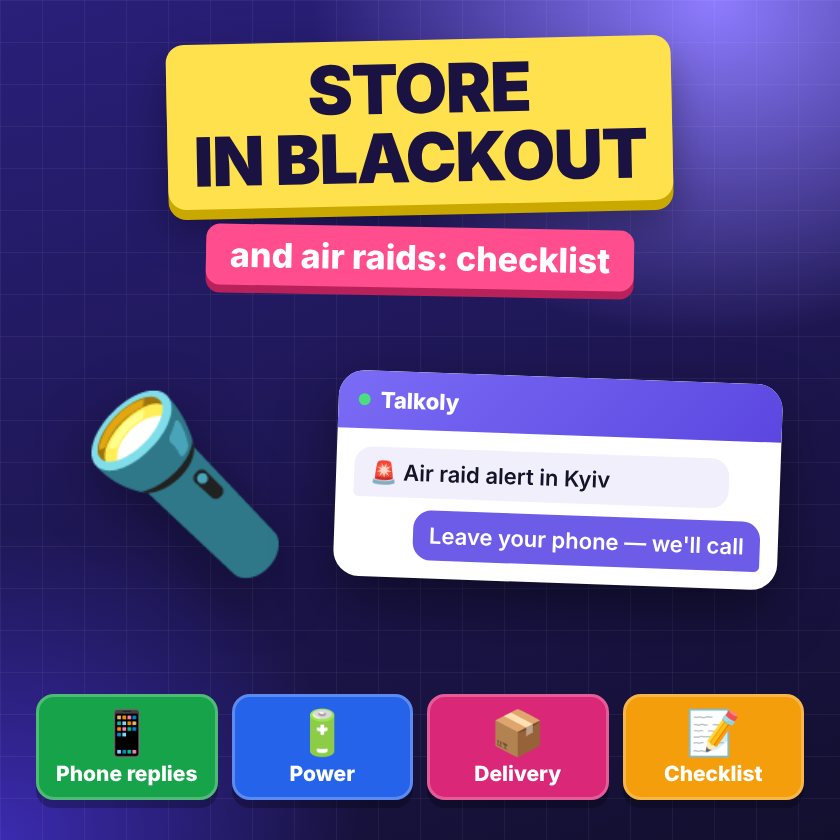
- Auto-message during an air raid alert. For example: “There is an air raid alert in Kyiv right now — our team is in the shelter. Leave your phone or Telegram, and we will reply as soon as we are back.”
- Auto-message during a power outage. “We have no power right now, so we are replying from a phone with a small delay. Write your question — we will definitely see it.”
- Collecting contacts. The offline form should ask for a phone number, Telegram or email. Then the conversation does not break off even if the customer closes the tab.
Talkoly has two separate modes for this. “Air raid” turns on automatically using data from alerts.in.ua (an air raid alert service) for your chosen region, or manually; it shows your text and collects phone numbers. “No power” is turned on manually or by the outage schedule. In both cases, the panel shows a notice, so the team knows what the customer currently sees. More on the page chat during air raid alerts.
3. Organise your team
The most common problem is not technology but that nobody knows who is replying right now.
- Shifts. Agree on who answers the chat when the office has no power. Two people are better: if one has an alert or no signal, the other takes over.
- Replying from a phone. A manager should be able to work without a computer: via the panel’s web app on a phone with push notifications, or via a Telegram bot where you reply to a customer’s message directly. How to set this up — in the article how to reply to customers from Telegram and on the page Telegram chat for your website.
- Power banks. Everyone who answers customers has a charged power bank. Charge them every time there is power, not “when it runs out”.
- Mobile internet. Check that your plan has enough data, and keep a second SIM card from another operator: during long outages, one operator’s signal may drop.
- A router on backup power. For an office or warehouse, a router connected to a power bank or a UPS (an uninterruptible power supply) is handy. A small store does not need Starlink — mobile internet is usually enough for the chat and admin panel.
- Shelter — no compromises. During an air raid alert, people go to the shelter. If there is a signal there and they want to reply — fine, but it is not a duty.
4. Warn about delivery delays
Outages affect the whole chain: your warehouse, the carrier’s branches, terminals. A customer takes a delay much more calmly when they hear about it from you rather than from an empty tracking page.
- Say it right away when they order. “Because of the outage schedule, we ship on [days]. Your order will go out on [date].”
- Write if something changes. “We had to move the shipment to tomorrow because of a power outage at the warehouse. Sorry for the inconvenience — we will send the waybill (TTN) number as soon as we have it.”
- Share the waybill in the chat. When the customer can see the parcel status themselves, there are fewer “where is my order” questions.
Ready-made phrasing for these situations is in our collection of sales scripts for chat — see the section on complaints and delays.
5. Nova Poshta and other carriers during outages
Large carriers such as Nova Poshta (Ukraine’s largest delivery service) have mostly prepared for outages: many branches and parcel lockers have backup power. But a single branch may still be closed for a while or work more slowly, and during an air raid alert a branch may pause work.
- Check the branch hours before shipping if you drop off parcels yourself.
- Offer the customer an alternative: a parcel locker or another branch nearby if their usual one is closed.
- Do not promise exact dates on days of widespread outages. “Around 2–3 days” is more honest than “it’ll be there tomorrow”.
- Keep waybills at hand. Waybill numbers should be not only in the carrier’s account but also in your order system or chat.
6. Back up your orders and data
The worst thing that can happen is an order that “was somewhere on the computer” — and the computer switched off.
- Cloud instead of a local file. Keep order and customer spreadsheets in cloud services you can open from a phone.
- Regular export. Once a week, download your orders from the site admin panel and keep a copy somewhere else.
- Chat history. Make sure conversations with customers are stored in the service, not only on a manager’s screen. Before choosing a chat, check how long it keeps history — this is in our live chat comparison.
- Access. Passwords to the admin panel, the carrier’s account and card payment service — in a password manager, not on a piece of paper in the office.
7. Work around the outage schedule
Scheduled outages can be planned for, and that is a big advantage.
- Follow the schedule for your group on the website or app of your regional power company and in official channels.
- Plan tasks around power. Packing, printing waybills, updating products — when there is electricity. Replying to customers — any time, from a phone.
- Update the banner and auto-messages to match the schedule: “Today we reply from 8:00 to 12:00 and from 16:00 to 20:00.”
- Plan shipments so waybills and packing are ready for the window when there is power.
One-screen checklist
- Banner texts and chat auto-messages are prepared.
- The air raid or outage mode in the chat is set up and tested.
- The offline form collects a phone number or Telegram.
- It is clear who replies from a phone; there is a backup person.
- Power banks are charged, mobile internet is paid for, there is a second SIM.
- The delivery delay template is saved as a quick reply.
- Orders and contacts are available in the cloud; there is a fresh backup.
- The team knows the outage schedule for the week.
And one more thing that matters: at 9:00 the whole country honours the fallen with a minute of silence. Talkoly has a separate “minute of silence at 9:00” feature for this — it is available even on the free plan.
Frequently asked questions
Should I stop taking orders during an air raid alert?
Usually not. The site keeps working, a customer can place an order, and you confirm it after the all-clear. What matters is to honestly warn about a possible delay in replies.
What should I write to a customer in the chat when the team is in the shelter?
Short and calm: there is an air raid alert, the team is in the shelter, and you will reply right after the all-clear. Ask them to leave a phone number or Telegram so the conversation is not lost.
Does an online store need Starlink?
No. For replying in the chat and working in the admin panel, mobile internet plus a second SIM card from another operator is usually enough. Starlink makes sense for a warehouse or office with a lot of work.
How do I avoid losing messages that came in during an outage?
Set up an offline form that collects contact details, and check all unanswered conversations as soon as power or signal is back. Start with those who have already placed an order.